Padded monitor covers — Padded covers that absorb impact and prevent scratches.

Commercial equipment

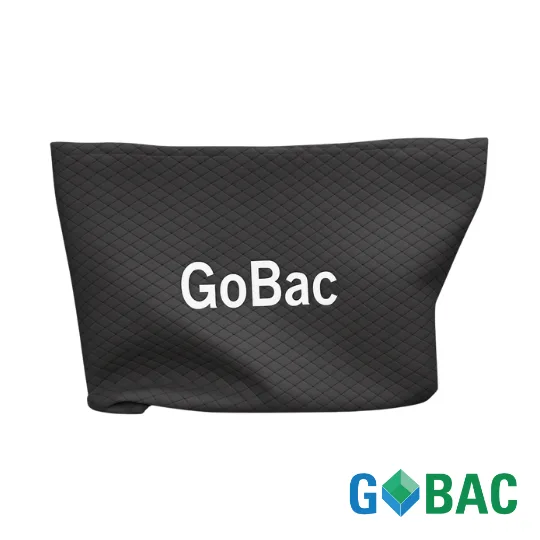
Padded monitor covers

Padded covers that absorb impact and prevent scratches.

  • For monitors up to 36″

Price on request

Request a quote →
You may know it by another name:
monitor coverscreen moving sleevepadded computer blanket

How to use it

Three simple steps.

  1. 01Slip on the cover
  2. 02Close the straps
  3. 03Transport on a cart

Common questions

Does a cover replace the original box?

For a move, yes. It absorbs impact and prevents scratches, and it goes back on in seconds — which a taped-up carton does not.

Are they reusable?

Yes, they come back with the rest of the equipment and go out on another job.

Which screen sizes?

We match the sizes to your inventory when we quote.

Complete your move

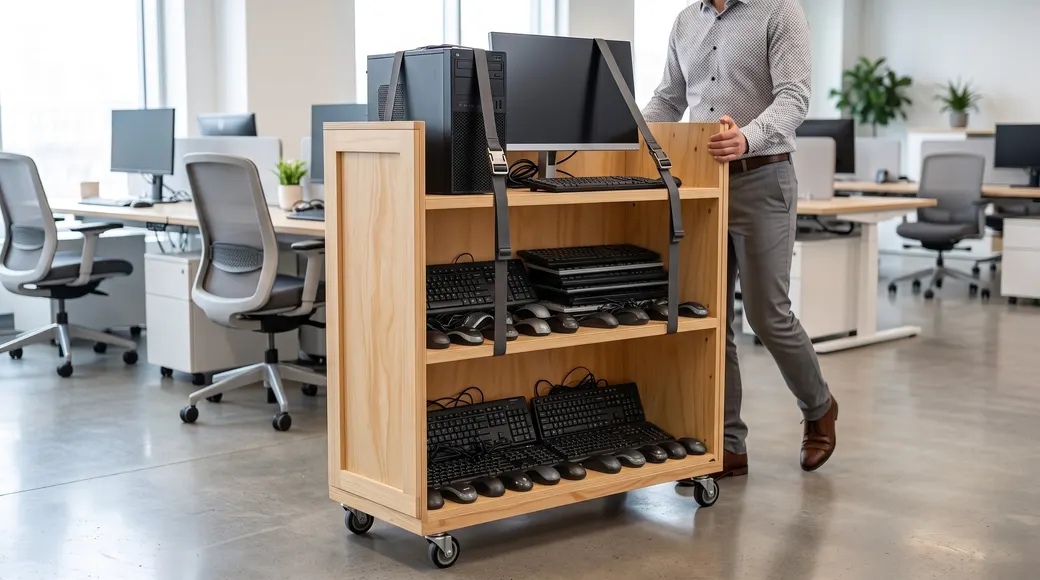
Computer cart Computer cart in use
Commercial service

Computer cart

Move the tower, monitors and peripherals from one workstation together.

  • Dimensions: 48″ × 24″ × 60″
How to use it
  1. Load one complete workstation
  2. Strap the equipment in place
  3. Roll and reconnect at the new office
On request Learn more →
Request a quote →
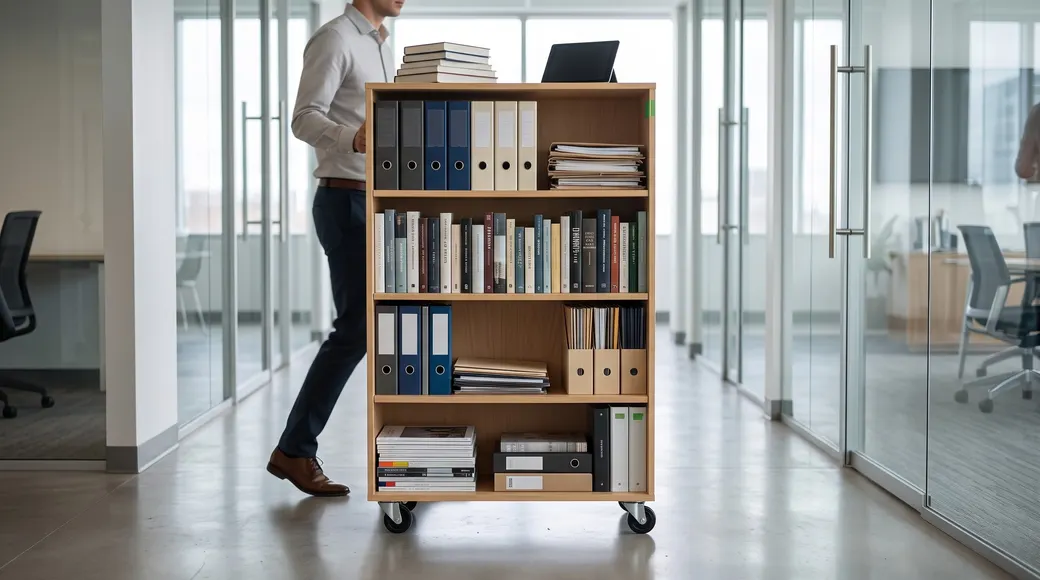
Library cart Library cart in use
Commercial service

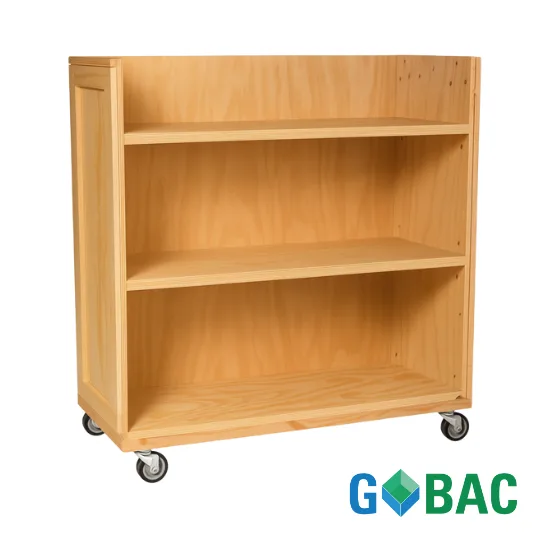
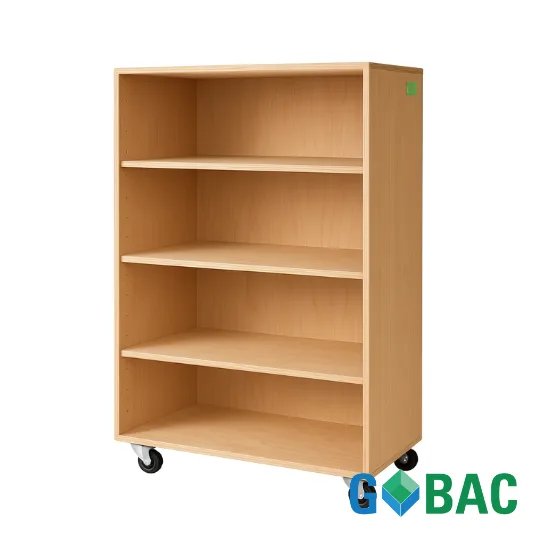
Library cart

Four rolling shelves for moving books, binders and files without losing their order.

  • Dimensions: 36″ × 18″ × 54″
  • Capacity: up to 500 lb
How to use it
  1. Load one shelf at a time
  2. Keep the filing order
  3. Replace each row on arrival
On request Learn more →
Request a quote →
Partition cart Partition cart in use
Commercial service

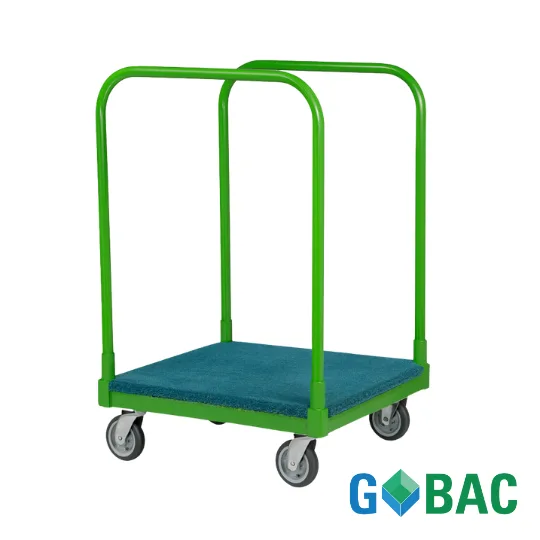
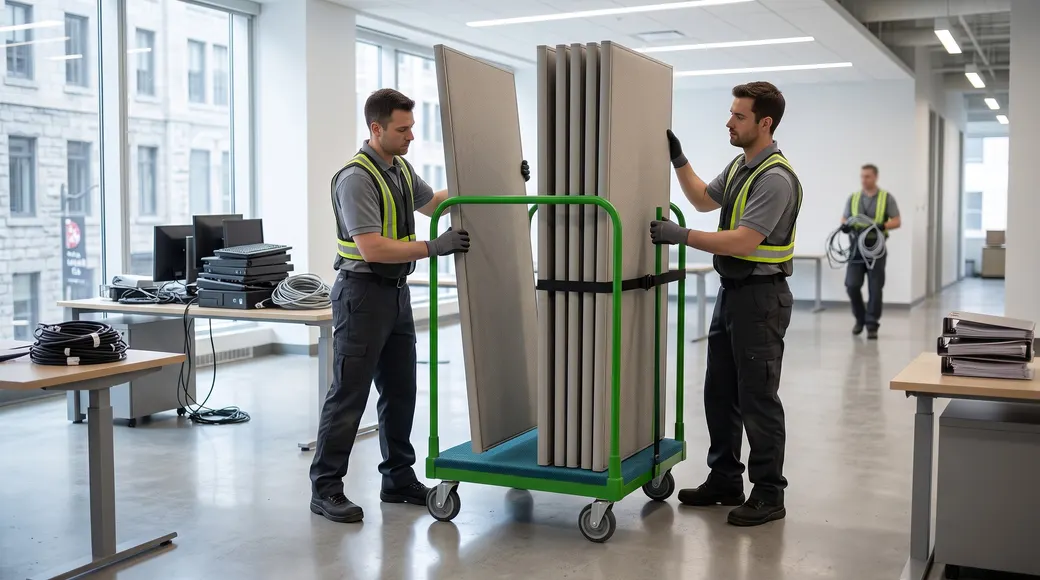
Partition cart

Upright transport for modular panels and office partitions.

  • Dimensions: 26″ × 30″ × 35″
  • Capacity: 2,000 lb
  • 6″ wheels
How to use it
  1. Load panels upright
  2. Separate each partition
  3. Unload at the installation point
On request Learn more →
Request a quote →